
This document details the safety precautions and maintenance of the lf3 monitor and common troubleshooting methods.
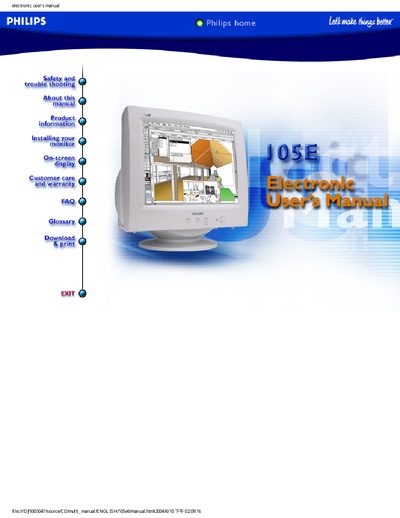
This manual covers safety precautions, proper handling, and installation of the Philips 105E monitor, including power connection, positioning, and basic on‑screen display settings. It also includes warranty and customer‑care information.
The troubleshooting section lists common problems such as no picture, dim display, color issues, and provides step‑by‑step solutions. A FAQ at the end answers typical user questions about picture loss, color adjustment, and power‑button behavior.
Check the wall socket for power, verify the power cable is securely attached, ensure the power button is on, unplug the monitor for about a minute and plug it back in.
Install the latest video drivers or upgrade the video card’s memory; consult the computer or video‑card manufacturer for details.
The monitor requires a 5‑second pause between power‑off and power‑on to protect its lifespan; wait at least 5 seconds before turning it back on.