
This document provides safety precautions and maintenance instructions for the Philips 150S3F/150S3H electronic user's manual, including installation locations, FAQs, troubleshooting, regulatory information, and other related information.
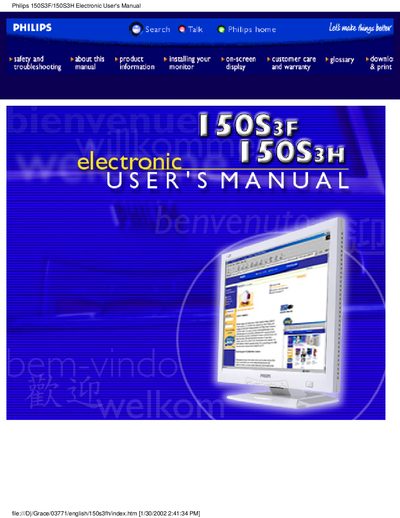
This electronic user's manual is for the Philips 150S3F/150S3H LCD monitor. It contains safety and troubleshooting information, installation locations, product information, setup, on-screen display, customer care and warranty, glossary, and download and print option.
The product information section describes a 15-inch color LCD monitor with an embedded power supply, VGA analog input, and automatic adjustment. Technical specifications include TFT LCD, 1024 x 768 pixels, 16.7M colors, contrast ratio, brightness, response time, and resolution and preset modes.
| Display Colors | 16.7M colors |
|---|---|
| Contrast Ratio | 350 (typ.) |
| Brightness | 220 cd/m2 (typ.) |
| Response Time | <=40ms (typ.) |
| Power Consumption | 23 W (typ.) |
Unplug the monitor, and use a slightly damp cloth to clean it. Wiping the screen with a dry cloth is possible when the power is off, but never use alcohol, solvents, or ammonia-based liquids.
Consult a service technician if the monitor does not operate normally when following the instructions in this manual.
Always activate a screen saver program during your application. If a still image in high contrast remains on the screen for an extended period, it may leave an after-image, and most of the time it will disappear gradually after switching off the power.