
This is the e-Manual for Philips LCD Monitor.
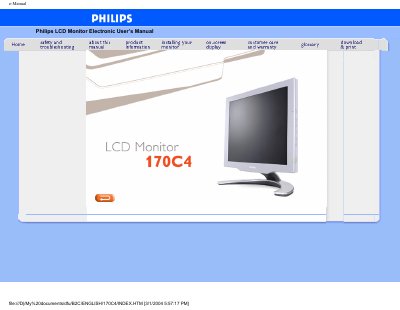
This electronic user’s guide covers safety precautions, installation locations, troubleshooting tips, and regulatory information for the Philips 170C4 LCD monitor. It also includes detailed product specifications, power‑saving features, and a pixel‑defect policy.
The manual explains how to adjust picture settings, use the on‑screen display, and maintain the monitor, and it provides warranty details and worldwide consumer‑service contacts.
| Screen size | 17 inch |
|---|---|
| Resolution | 1280 x 1024 pixels |
| Pixel pitch | 0.264 x 0.264 mm |
| Contrast ratio | 400 (typ.) |
| Brightness | 250 cd/m² (typ.) |
| Viewing angle | Upper >80°, Lower >80°, Left >70°, Right >70° (typ.) |
| Response time | ≤25 ms (typ.) |
| Power consumption | 35 W (typ.) |
| Weight | 4.2 kg |
| Dimensions (W×H×D) | 399 mm × 398.2 mm × 197.2 mm |
Unplug the monitor, then wipe the screen with a slightly damp cloth or a dry cloth; do not use alcohol, solvents or ammonia‑based liquids.
If a VESA DPMS‑compliant display card or software is installed, the monitor automatically reduces power consumption when idle and wakes up when it detects input.
The monitor is covered by a three‑year warranty that includes free labor and parts for the first year and free parts for three years.