
This document is an electronic user manual for Philips LCD monitors, covering safety measures, troubleshooting, and other related information.
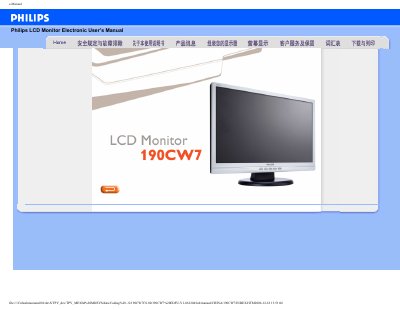
This manual covers safety precautions, proper handling, and environmental requirements for the Philips 190CW7 19‑inch LCD monitor. It includes temperature (0‑40 °C) and humidity (20‑80 % RH) limits, cleaning instructions, and warnings about improper use.
The guide also explains installation steps such as VESA mounting, color temperature adjustments (6500K, 9300K, custom), and using the FP Adjust utility to fine‑tune contrast, brightness, and geometry. Frequently asked questions address common issues like resolution settings, refresh rate, and USB connectivity.
| Native resolution | 1440 x 900 |
|---|---|
| Operating humidity | 20‑80 % RH |
| VESA mounting holes | 4 |
Use the monitor's menu to select a preset color temperature such as 6500K or 9300K, or define a custom setting.
Yes, the monitor has four VESA‑compatible mounting holes on the back panel.
The native resolution is 1440 × 900 pixels.