
This document introduces safety precautions and maintenance of electronic user's manual
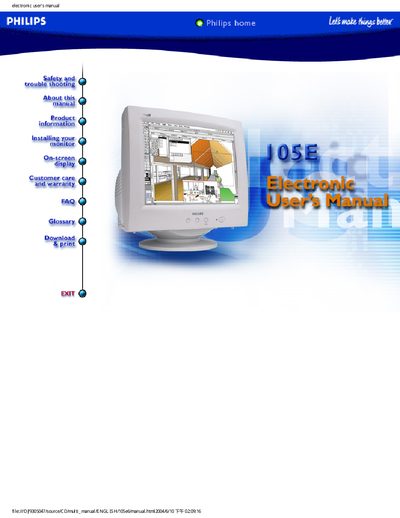
This manual covers safety precautions, proper handling, cleaning, and maintenance for the Philips 105E CRT monitor. It warns against electrical shock, moisture exposure, and improper disassembly, and advises users to contact qualified service personnel for repairs.
The document also includes troubleshooting advice for common display issues, regulatory compliance details, product features, technical specifications, and a comprehensive FAQ that addresses auto‑calibration, signal problems, Moiré effect, and picture adjustments.
| Model Color Options | 105E69 Gray, 105E68 Black, 105E6 |
|---|---|
| Screen Size | 15‑inch (14.0" VIS) color CRT |
| Maximum Resolution | 1024 × 768 (horizontal up to 54 kHz) |
| Flicker‑Free Resolution | 800 × 600 at up to 85 Hz |
| Dot Pitch | 0.28 mm (horizontal 0.24 mm) |
| Tube Type | Shadow mask, flat square, 57 % light transmission |
| Phosphor | P22 |
Check for bent pins on the video cable, ensure the computer is turned on, verify the VGA cable is properly connected, confirm the BNC/D‑Sub connector is correctly positioned, and make sure the video card is VESA‑standard compatible.