
provide information on how to use the monitor safely
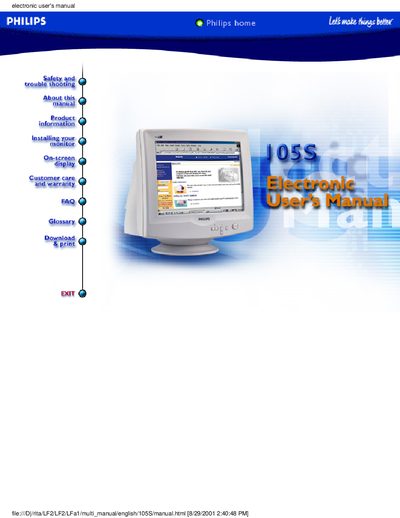
This electronic user manual covers everything needed to safely set up and operate the Philips 105S color monitor, including safety precautions, troubleshooting tips, on‑screen display adjustments, and warranty details. It also lists the monitor’s technical specifications, physical dimensions, and optional accessories such as the multimedia base and USB hub.
The manual is organized into sections like Safety and Troubleshooting, Product Information, Installing Your Monitor, On‑Screen Display, and Customer Care. It includes diagrams for pin assignments, power‑saving features, and a full warranty statement for international and U.S. customers.
| Screen size | 15 inch (36 cm) |
|---|---|
| Dot pitch | 0.28 mm |
| Horizontal scanning range | 30 kHz – 61 kHz |
| Vertical scanning range | 50 Hz – 120 Hz |
| Video dot rate | 108 MHz |
| Maximum resolution | 1280 × 1024 |
| Dimensions (with base) | 358 × 370 × 379 mm |
| Weight | 12.0 kg |
The monitor comes with a three‑year warranty covering free labor and parts.
Yes, the monitor automatically reduces power consumption when a DPMS‑compatible display card or software is installed.