
This is the electronic user manual for Philips 107S monitor. This manual introduces the features, functions, settings, usage methods, safety precautions and troubleshooting methods of the monitor.
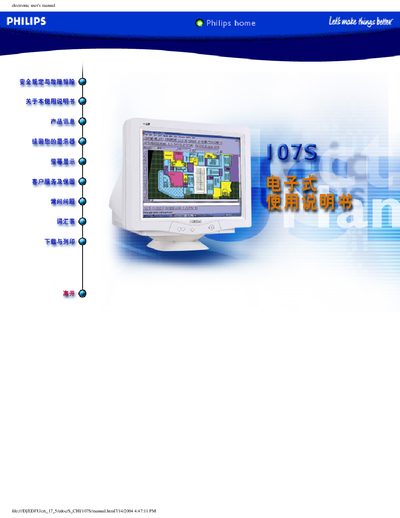
This electronic user manual covers safety precautions, troubleshooting tips, and proper handling of the Philips 107S 17‑inch CRT monitor. It explains how to install the monitor, adjust display settings, and maintain the device safely.
The manual also includes product specifications, a glossary of technical terms, customer service contacts, and a warranty registration card to ensure you receive full support from Philips. This manual is written in Chinese.
| Screen size | 17 inches (41 cm) |
|---|---|
| Maximum resolution | 1280 × 1024 |
| Refresh rate | up to 89 Hz |
| Dot pitch | 0.25 mm |
| Horizontal scan frequency | 30–71 kHz |
| Vertical scan frequency | 50–160 Hz |
| Video input impedance | 75 Ω |
| Sync input impedance | 47 kΩ |
| Input signal level | 0.7 Vpp |
Only qualified service personnel may remove the back panel.