
This manual introduces the SPM4000SB optical mouse usage method, including installation, connection, and use
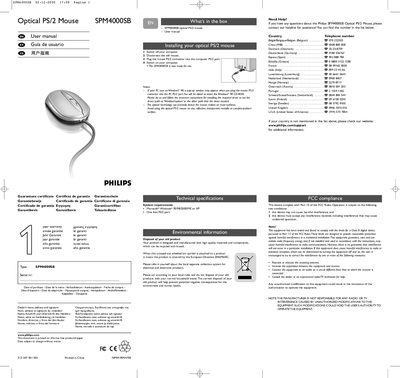
This manual explains how to install the Philips SPM4000SB optical PS/2 mouse, including safety notes, driver installation for Windows 98 and usage recommendations. It also lists the system requirements and technical specifications of the device.
Additional sections cover warranty details, environmental disposal instructions, FCC compliance, and contact numbers for customer support in various countries.
| Model | SPM4000SB |
|---|---|
| Interface | PS/2 |
| Supported operating systems | Microsoft Windows 95/98/2000/ME or XP |
| Required port | One free PS/2 port |
Turn off the computer, disconnect the old mouse, plug the PS/2 connector of the SPM4000SB into the computer’s PS/2 port, then turn the computer back on.
The mouse works with Microsoft Windows 95, 98, 2000, ME or XP.
Do not use the mouse on reflective, transparent, metallic or complex‑pattern surfaces.