
This document is the user manual for the Wired notebook mouse SPM2703, providing specifications and usage instructions for the device, as well as compliance with FCC regulations. The device complies with Part 15 of the FCC Rules and provides reasonable protection against interference in a residential installation.
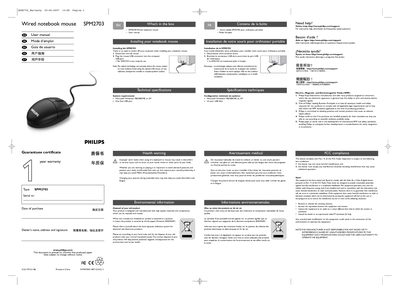
The Philips SPM2703 is a wired notebook mouse utilizing optical technology to detect motion on most surfaces. It is designed for easy installation via a USB connection.
The manual provides guidance on setup, system compatibility, and health warnings regarding ergonomic posture to avoid musculoskeletal disorders.
| System requirements | Microsoft Windows 98/2000/ME or XP, one free USB port |
|---|
Disconnect the old mouse and plug the mouse USB connector into the computer USB port; there is no need to switch off the computer.
No need to switch off the computer; disconnect the old mouse, then plug the mouse USB connector into a computer USB port, and the mouse is ready for use.
Avoid using the mouse on reflective, transparent, metallic, or complex-pattern surfaces.
The mouse requires Microsoft Windows 98, 2000, ME, or XP and one free USB port.