
The Saitek A-200 Portable 2.1 speaker system allows you to easily play high-quality audio from the music library on your laptop or PC, or from any portable media player. The unique EAVS (Expanded Air Volume System - Patent pending) chamber expands to increase available air volume, boosting bass performance.
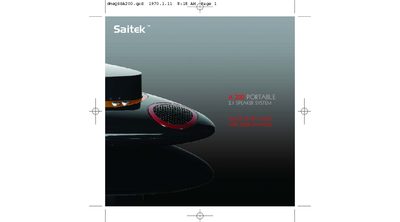
This quick start guide introduces the Saitek A-200 portable 2.1 speaker system, a compact audio solution that uses an Expanded Air Volume System (EAVS) to boost bass performance. It covers how to install batteries, connect the system to audio sources, and activate the EAVS chamber.
Key sections include battery and AC‑adapter usage, volume control, troubleshooting tips for no‑sound issues, and a technical information sheet that lists output power, battery life, LED indicators and other specifications.
| Output Power | Two 3 W tweeters and one 3 W sub‑woofer |
|---|---|
| Battery Type | 4 AAA batteries (up to 24 hrs play) |
| Battery Life | Up to 24 hours of playback |
| EAVS System | Expands during use to increase air volume and bass performance |
Press down the EAVS woofer enclosure to open it; the system powers on when the enclosure is released.
Press the “+” button to increase volume and the “‑” button to decrease volume.
The four AAA batteries provide up to 24 hours of playback.