
This manual describes how to use the Canon WUX4000 multimedia projector, including installation, connection, operation, and maintenance.
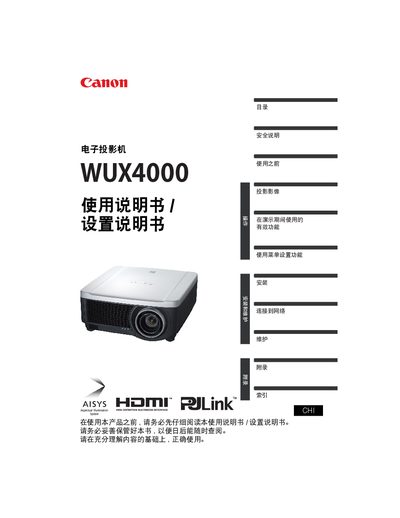
This manual covers all aspects of using the Canon WUX4000 multimedia projector, including safety guidelines, quick reference functions, and detailed installation steps. It also explains how to connect various video sources, adjust image settings, and manage network features.
Additional sections describe lens and image adjustments, power‑saving modes, password configuration, and routine maintenance such as lamp replacement and filter cleaning. Troubleshooting tips and LED indicator meanings help resolve common issues. This manual is written in Chinese.
Select the reset option in the menu to restore all settings to the factory defaults.