
This is a user manual for the Canon imagePROGRAF iPF780 printer
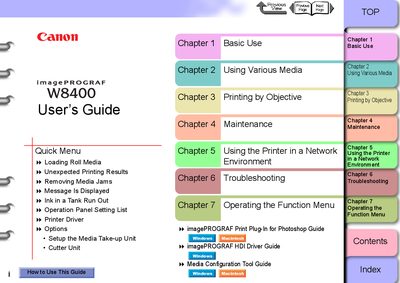
This guide covers all aspects of operating the Canon imagePROGRAF W8400 printer, including basic use, loading roll media, printing objectives, routine maintenance, network configuration, and troubleshooting. Each chapter is indexed for quick navigation.
The manual details the printer’s hardware components, such as the printer main unit, roll holder, cutter unit, and maintenance cartridge, and explains how to replace consumables, adjust the printhead, and connect the printer via USB, Ethernet, or other network interfaces.
Use the power switch on the printer to switch it on (page 1‑7) and off (page 1‑8).
Insert the roll media into the roll holder slot, align it with the paper alignment line, and close the ejection guide.