
Canon FAX-B140 / FAX-B120 / FAX-B122 User Manual

This manual describes how to use the Canon imageCLASS MF4630 fax machine, including installation, connection, paper loading, cartridge loading, and fax testing.
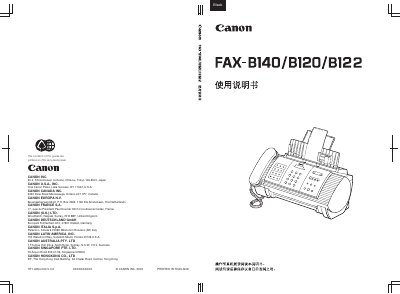

Canon FAX-B140 / FAX-B120 / FAX-B122 User Manual - cover page
Brand
Canon
Category
Office Equipment
Document type
User Manual
Language
Japanese
Pages
115
File format
PDF
File size
4.1 MB
Published
21 March, 2012
Updated
30 September, 2023
MD5 checksum
16D0891957801B2401C71A048F7E5A80

About this manual

This document is the user manual for the Canon FAX-B140, FAX-B120, and FAX-B122 fax machines. It provides instructions on how to use the machine before starting operation, including safety precautions and necessary preparations. The guide covers the main functions of the machine, such as transmitting and receiving documents, setting up the machine, and using various features like the touch panel and remote control. This manual is written in Japanese.

What's inside

  • How to use this manual
  • Important safety instructions
  • Necessary preparations
  • Installing the machine
  • Transmitting documents
  • Receiving documents
  • Other functions
  • Setting and releasing reports
  • Clearing the memory
  • Troubleshooting

Frequently asked questions

What are the model numbers of the fax machines covered in this manual?

The manual covers the FAX-B140, FAX-B120, and FAX-B122 models.

What is the maximum number of pages that can be stored in the memory?

The memory can store up to 100 pages.

What is the maximum number of fax numbers that can be stored in the memory?

The memory can store up to 100 fax numbers.

Download PDF (4.1 MB)

More Canon Manuals


View all Canon manuals →