
This electronic projector is designed with many advanced technologies, and has the characteristics of portable, durable and easy to use. This projector has built-in multimedia functions, a 16.77 million color palette, and uses a matrix liquid crystal display (LCD) technology.
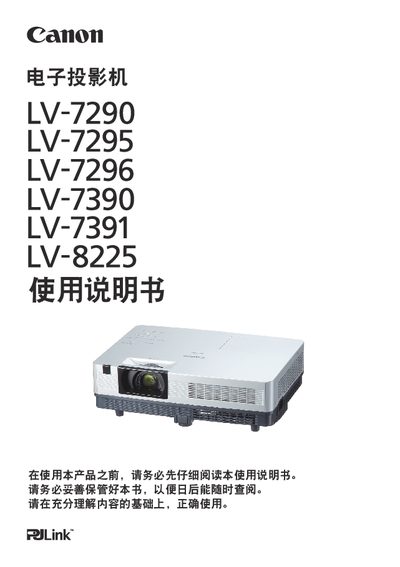
This manual provides detailed information for the Canon LV-7290 series electronic projectors, covering safety precautions, installation, basic operation, image adjustment, and maintenance. It includes features such as built‑in multimedia, LCD display, LAN networking, and multi‑language menus.
The guide also explains how to use advanced functions like auto‑setup, keystone correction, lamp brightness control, and remote‑control operation, helping users get the most out of the projector in various environments. This manual is written in Chinese.
| Color palette | 16.77 million colors |
|---|---|
| Audio output | 10 W |
| Display technology | LCD (matrix liquid crystal display) |
| Network interface | Wired LAN |
You can select the lamp brightness from the menu (see pages 28 and 59).
The menu supports 20 languages, including English, German, French, Italian, Spanish, Portuguese, Dutch, Swedish, Finnish, Polish, Hungarian, Romanian, Russian, Turkish, Kazakh, Vietnamese, Chinese, Korean, Japanese and Sotho.
Press the key‑lock button to lock the top control panel and the remote control (see page 60).
The lamp‑exchange indicator turns orange when the lamp is still hot, indicating you must wait before replacing it.