
This manual provides instructions on how to install, use, and maintain a fax machine, including steps such as connecting phone lines and power cords, installing ink film, loading paper and documents, sending and receiving files, etc.
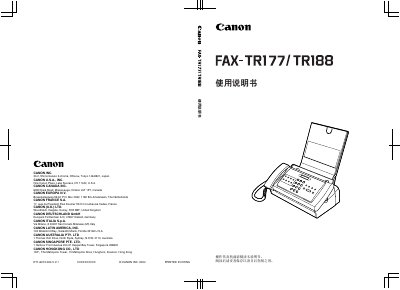
This manual explains how to install, set up, and use the Canon FAX-TR177/TR188 fax machine. It covers connecting telephone and power lines, loading paper, configuring date/time, and using fax, copy, and scan functions.
The document also includes safety guidelines, specifications such as scan size, power consumption, and paper capacity, as well as a troubleshooting chapter for common issues like paper jams and fax errors. This manual is written in Chinese.
| Maximum scan width | 216 mm |
|---|---|
| Maximum scan height | ≈ 900 mm |
| Paper tray capacity | 50 sheets (75 g/m²) |
| Standard power consumption | ≈ 2.5 W |
| Operating temperature range | 10 °C to 32.5 °C |
| Weight | ≈ 3.9 kg |
The fax can scan documents up to a width of 216 mm and a length of about 900 mm.