
This manual introduces the features and characteristics of the electronic projector, including compact design, simple computer system setting, versatile presentation function, lamp brightness adjustment, direct shutdown function, boot screen function, picture in picture function, multi-language menu display, security function, useful maintenance function, LAN network function, automatic setting function, color palette function, switchable interface terminal, power control mode and Closed caption function.
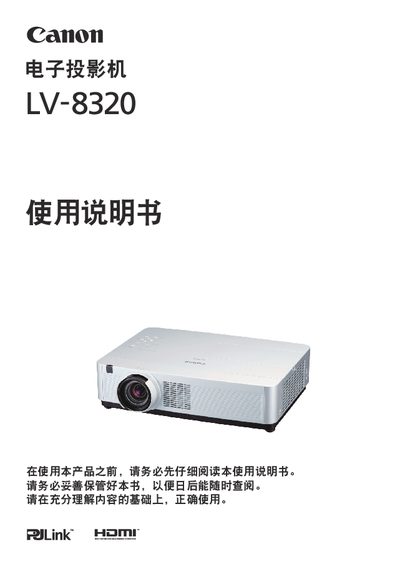
This manual covers safety precautions, proper installation, and handling of the Canon LV-8320 projector. It explains required clearances, grounding, and environmental limits to prevent damage or injury.
It also details basic operation, picture‑in‑picture, LAN connectivity, self‑calibration, lamp replacement, and maintenance procedures, helping users get the most out of the projector's features such as WUXGA resolution and 16.77‑million‑color LCD display. This manual is written in Chinese.
| Color Depth | 16.77 million colors |
|---|---|
| Audio Output | 10 W |
| Operating Temperature | 5 °C to 35 °C |
| Storage Temperature | -10 °C to 60 °C |
| SCART Interface | Available |
It can operate between 5 °C and 35 °C.
Turn off and unplug the projector, let the lamp cool, then remove the lamp housing and replace the lamp with a compatible one, ensuring the lamp is fully seated before powering on.