
This document is a user manual for an electronic projector, which describes the features and functions of the product, including compact design, simple computer system settings, versatile presentation functions, bulb brightness adjustment, etc. It also provides information on safety features, maintenance functions, network capabilities, etc.
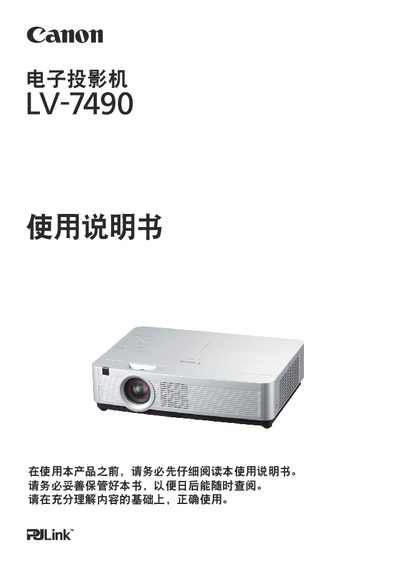
This manual covers the safety precautions, proper installation, and basic operation of the Canon LV-7490 projector. It explains how to set up the device, connect video sources, and use built‑in features such as network control and closed caption.
Additional sections describe image adjustment, lamp replacement, audio output, and environmental requirements. The document also lists technical specifications and provides troubleshooting tips for common issues. This manual is written in Chinese.
| Color Depth | 16.77 million colors |
|---|---|
| Audio Output Power | 10 W |
| Input Voltage | AC 100‑240 V |
| Operating Temperature | 5 °C – 35 °C |
The projector can be powered from AC 100‑240 V.
Turn off the projector, wait for the lamp to cool, then follow the lamp‑replacement procedure described in the manual.
The device operates between 5 °C and 35 °C.
Ground the unit, keep it away from water, avoid placing heavy objects on it, and do not block ventilation openings.