
PN0108 remote power management device user manual, which introduces the features and characteristics of the product, including overview, features, system requirements, components, installation, configuration, and FAQs
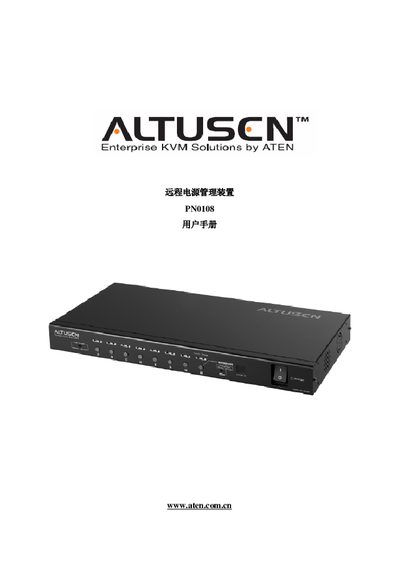
This user manual helps users use the ATEN PN0108 system and covers installation, setup, and operation. It describes the system's purpose, features, benefits, and front and rear panel components.
The manual also covers the ways to access the PN0108, settings and operation after login, management tasks, safe shutdown and restart, firmware updates, and product specifications in the appendix. This manual is written in Chinese.
| FCC certification | Class A product |
|---|---|
| RoHS compliance | Compliant with RoHS standard |
It covers installation, setup, and operation of the PN0108 system, along with management, safe shutdown and restart, and firmware updates.
The package includes the PN0108 device, AC power cord, eight output power cords, eight safe shutdown cables, a PON cable, rack-mount kit, foot pads, software CD, user manual, and quick installation card.
The manual describes multiple ways to access the PN0108.
The manual covers firmware updating and firmware update recovery.