
This manual provides detailed installation and operation instructions for the ATEN CS-74M Mini Tower KVM Switch. Please read it carefully to prevent damage to the unit and/or devices connected to it.
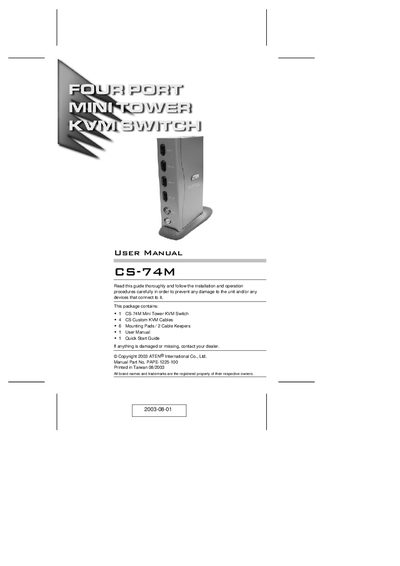
The CS-74M KVM Switch is a compact vertical‑standing unit that enables control of up to four computers from a single console. It features custom SCSI‑20 connectors, audio support for a microphone and speakers, and hot‑key or front‑panel selection methods.
Installation is straightforward with no software required; simply connect the supplied KVM cables, attach the mounting pads, and power the unit (optional external adapter). The manual also covers troubleshooting, LED status indicators, and warranty information.
| Maximum computers supported | 4 |
|---|---|
| Maximum video resolution | 2048 × 1536 |
| Audio support | Speaker and microphone enabled |
| Mouse type supported | PS/2 style mice only |
| External power requirement | Optional (no external power needed) |
It can control up to four computers from a single console.
No, the unit operates without external power; a power adapter is optional.
The switch only supports PS/2 style mice.
Press buttons 1 and 2 simultaneously for three seconds to perform a keyboard/mouse reset.