
This manual describes the basic function and usage of the CL-1208 / CL-1216 KVM switch.
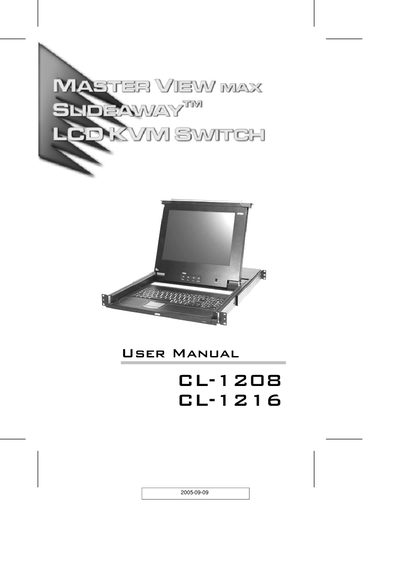
This manual covers all aspects of the ATEN CL-1208 / CL-1216 KVM switch, including safety warnings, packing contents, and detailed descriptions of the front and rear panels. Chapters guide the user through installation, basic operation, OSD configuration, hotkey functions, and firmware upgrades.
Technical specifications such as supported computer count, maximum daisy‑chain connections, power requirements, operating temperature, dimensions, and weight are listed in the appendix, along with troubleshooting tips and warranty information.
| Supported computers (direct) | 8 (CL-1208), 16 (CL-1216) |
|---|---|
| Maximum daisy‑chain connections | 256 (CL-1208), 512 (CL-1216) |
The CL-1208 can control up to 8 computers directly.
The VGA cable should not exceed 20 m; longer cables may cause ghost images.
Use the Firmware Upgrade Utility described in Chapter 6 to start and complete the upgrade.