
This document provides instructions and precautions for using the CS-1732 and CS-1734 KVM Switches, including limitations of the equipment, potential causes of interference, and measures to correct interference. The document also lists the packing list for the CS-1732 / CS-1734 package, including the switch, KVM cables, firmware upgrade cable, user manual, and quick start guide.
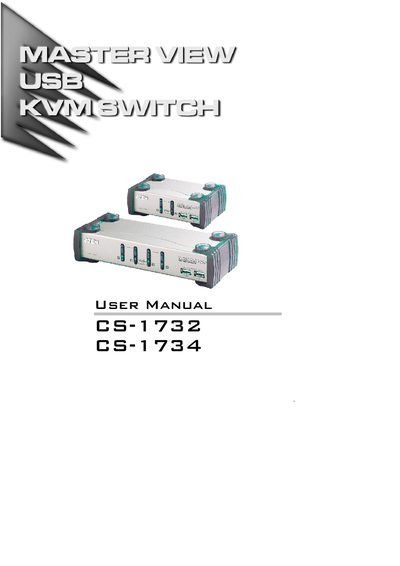
This manual covers the ATEN Master View CS-1732 and CS-1734 KVM‑USB switches, which allow a single console to control two (CS‑1732) or four (CS‑1734) computers and two additional USB devices. It includes safety notices, hardware requirements, and step‑by‑step installation guidance.
Key features include dual‑function KVM/USB switching, independent asynchronous switching of video and USB peripherals, LED status indicators, hot‑plug capability, and support for Windows, Mac, and Sun host systems. The document also provides hotkey operation details, firmware upgrade procedures, specifications, and a troubleshooting guide.
| USB transfer rate | 1.512 Mbps |
|---|---|
| Maximum video resolution | 2048x1536 |
| Number of computer ports | 2 (CS‑1732) or 4 (CS‑1734) |
| Integrated USB hub ports | Two‑port USB hub |
| LED status display | LED Display for easy status monitoring |
| Hot‑plug capability | Supported |
| USB compliance | USB 1.1 |
Press the USB Reset hotkey combination (see page 16) to reset the USB ports.