
This document is the user manual for ATEN USB 2.0 DVI KVMP Switch CS1784, providing instructions and features of the product.
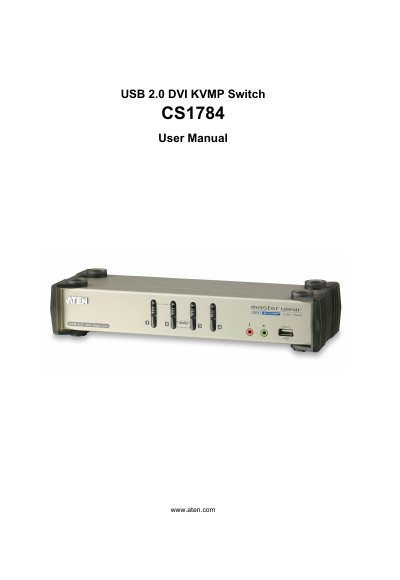
The CS1784 is a USB 2.0 DVI KVMP (Keyboard, Video, Mouse, and Power) switch that lets you control up to four computers from a single console. It includes a USB‑to‑PS/2 converter, power adapter, and DVI dual‑link cables.
This manual covers safety information, package contents, hardware setup, basic operation, keyboard port functions, keyboard emulation tables, firmware upgrade procedures, specifications, troubleshooting, and warranty details.
Register the product online at ATEN’s support site: International http://support.aten.com or North America http://support.aten-usa.com.
Unplug the cable(s) from the console port(s) and plug them back in, or power‑cycle the KVM switch and wait five seconds before powering up again.