
This is a CV-131 user manual, which introduces the features and characteristics of CV-131, including installation and operation.
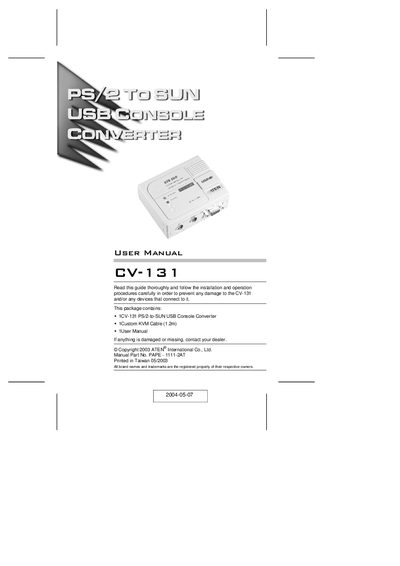
The CV-131 is a PS/2‑to‑SUN interface converter that translates PS/2 keyboard, mouse, and video signals to Sun‑compatible signals, allowing a USB‑enabled Sun workstation to be controlled from an IBM‑compatible KVM console. It supports multiple keyboard languages, hotkey configuration, and can be powered directly from the USB bus.
The manual covers hardware components, wiring diagrams, step‑by‑step installation, system requirements, and troubleshooting tips, helping users integrate Sun workstations into existing PS/2 KVM networks or extend them up to 150 m using ATEN console extender products.
| USB compliance | USB 1.1 |
|---|---|
| Compatibility | Sun Systems |
| Video support | Composite Sync |
| Keyboard language selection | Hotkey |
| Power | Bus powered (no external adapter required) |
| Wake‑up function | Built‑in mouse and keyboard wake‑up |
Resolutions of 1280 × 1024 or 1024 × 768 are supported; 1152 × 900 is not supported.
No, the CV-131 is bus powered and does not need an external power adapter.
American English, Japanese, and French keyboard layouts are built in and can be selected via hotkeys.