
This guide details the installation and operation procedures for the ACS-1722/1724 KVM switch.
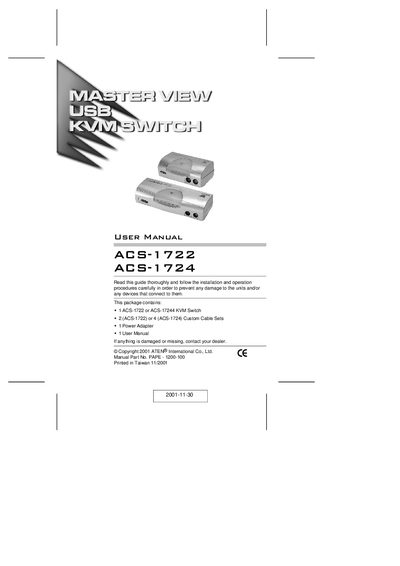
The ACS-1722 and ACS-1724 are dual‑function KVM switches that combine a 2‑port (ACS‑1722) or 4‑port (ACS‑1724) keyboard‑video‑mouse switch with a 2‑port USB 2.0 hub. They let a single PS/2 keyboard, mouse and monitor control multiple PCs while also sharing two additional USB peripherals.
Installation is simple: connect the appropriate cables, power the unit with the supplied 5 V DC adapter, and switch between computers using the front‑panel push button or hot‑key combinations. No driver software is required.
| USB Specification | USB 2.0 compliant, supports 1.5/12/480 Mbps transfer rates |
|---|---|
| Video Resolution | Up to 1920 × 1440 (DDC2B) |
| LED Overcurrent Detection | Indicates overcurrent on USB ports |
| Mouse Compatibility | Supports Microsoft IntelliMouse and scroll wheel |
| Power Input | DC 5 V via external adapter |
The unit uses a 5 V DC power adapter.