
The document contains warning information and limited warranty terms
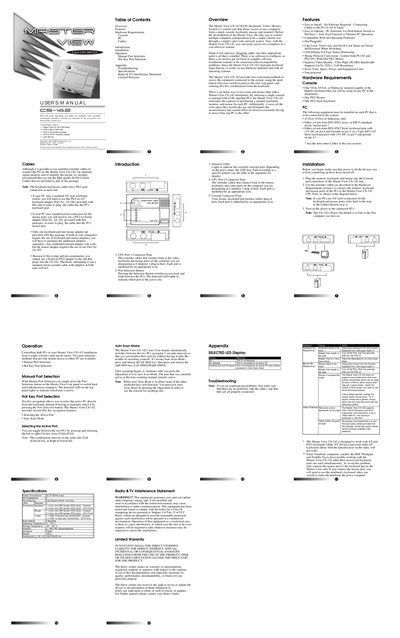
The Master View CS-142 KVM Switch lets you control two computers from a single console with keyboard, video, and mouse. The manual covers hardware requirements, cable connections, and both manual and hot‑key port selection methods.
Installation is straightforward—connect the provided KVM custom cables, attach the PS/2 adapters as needed, and power up the PCs. The guide also details Auto Scan mode, LED indicators, and troubleshooting steps for common issues.
| Power Consumption | DC 9V 80mA (max) |
|---|---|
| PC Connections | 2 |
| Dimensions | 130 x 100 x 35 mm |
| Weight | 190 g |
| Operating Temperature | 5° ~ 40° C |
| Storage Temperature | -20° ~ 60° C |
| Enclosure Material | Plastic |
| Video Connector (Console) | 1 x HDB‑15 female (VGA/SVGA) |
Press the Port Selection button on the top panel or press and release the left or right Ctrl key twice.
Press the Spacebar key to exit Auto Scan mode.
The package includes a PS/2‑to‑Serial mouse adapter and a PS/2‑to‑PC/AT keyboard adapter.