
This document is a user manual for the projector product, which introduces the features and usage methods of the product.
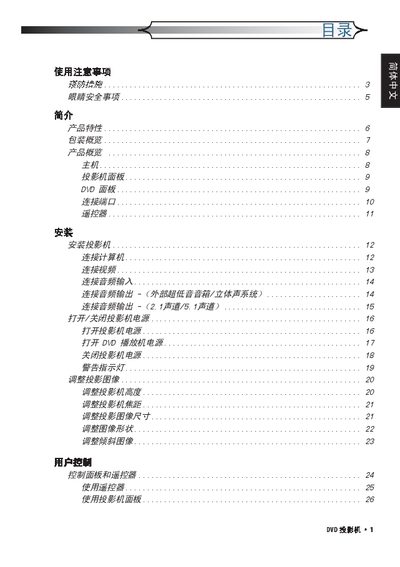
The manual begins with safety precautions, warning users not to expose the projector to rain, moisture, or fire and to allow the unit to cool before handling the lamp. It also covers proper cleaning methods and packaging information.
Subsequent sections describe installation, operation of the projector and remote control, audio and video connections, and detailed lamp‑replacement procedures, including cooling time and step‑by‑step instructions. This manual is written in Japanese.
| Resolution | 854 x 480 (16:9 DLP) |
|---|---|
| Audio Output Power | 5 W × 2 (stereo) |
| Video Compatibility | NTSC, PAL, SECAM, HDTV (480i/p, 576i/p, 720p, 1080i) |
Allow the projector to cool down for at least 30 minutes, then follow the step‑by‑step lamp‑replacement procedure shown in the manual.
Do not expose the unit to rain or moisture, avoid fire hazards, and keep the lamp area clear until it has cooled.
Connect speakers to the built‑in 5 W × 2 stereo audio output.
The projector accepts NTSC, PAL, SECAM and HDTV formats such as 480i/p, 576i/p, 720p and 1080i.