
This manual covers basic operation and features of the Optoma EX760 projector.
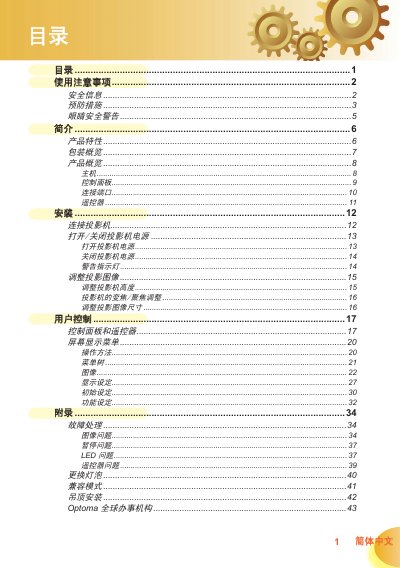
This manual covers safety precautions, proper ventilation, and handling warnings for the Optoma projector. It also details the contents of the package, the control panel layout, and all available connection ports.
Installation instructions include ceiling‑mount guidelines, required screw specifications, and recommended clearances. Operation sections describe menu navigation, image adjustments, and lamp‑life monitoring, while the appendix provides troubleshooting and lamp‑replacement procedures. This manual is written in Chinese.
| Resolution | 1280 x 720 (720p) |
|---|---|
| Technology | Single‑chip DLP® projector |
| Input Ports | HDMI, VGA, S‑Video, Component, SCART, Composite |
| Lamp Life Monitoring | Automatic lamp‑life detection with warning display |
Turn off the projector, let it cool for at least 30 minutes, disconnect the power cord, remove the two screws on the cover, lift the cover, remove the two screws on the lamp module, take out the lamp module, then reinstall in reverse order and reset the lamp‑update setting in the menu.
Use a ceiling‑mount kit, secure the projector with M3 screws 7.5 mm–10 mm long, and keep at least a 10 cm gap between the projector bottom and the ceiling to avoid damage.