
This document introduces the precautions, safety information, and preventive measures for the use of a projector. It also provides detailed descriptions of the features and characteristics of the projector, as well as instructions for installation, adjustment, and operation.
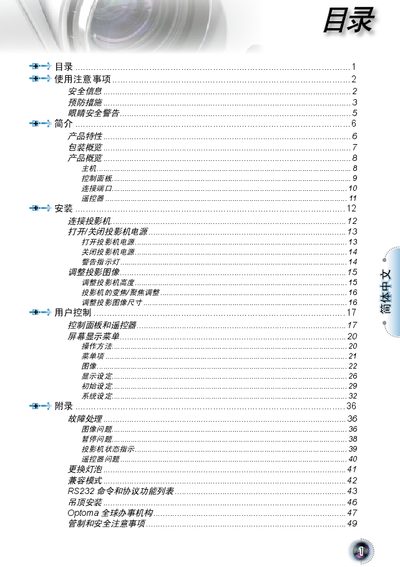
This manual covers important safety information, including warnings about exposed high voltage, the need for proper ventilation, and precautions when cleaning or handling the lamp. It explains how to install the projector, connect cables, and use the control panel, and it lists the supplied accessories and packaging contents.
The guide also describes the projector’s technical features such as 1080p DLP imaging, 16:9 aspect ratio, 10‑bit video processing, and the available input ports (HDMI, DVI, SCART, YPbPr, S‑Video, Composite). Additional sections address FCC and Canadian compliance, lamp‑replacement procedures, and proper disposal of the equipment. This manual is written in Chinese.
| Resolution | 1080p |
|---|---|
| Aspect Ratio | 16:9 |
| Video Processing | 10‑bit |
| Color Wheel | 7‑segment R/G/VB/NDVR/VGVBE |
| HDMI Ports | 2 (HDMI 1.3) |
| YPbPr Port | 1 |
| S‑Video Port | 1 |
| Composite Video Port | 1 |
Place the projector in a well‑ventilated location and avoid beds, sofas, carpets, or closed spaces such as cabinets that could block the vents.
The projector is equipped with two HDMI ports that support HDMI 1.3.