
This manual provides detailed instructions on the basic operations of the Optoma EH416UST projector, including installation, connection, turning on/off, adjusting image size and focus, etc.
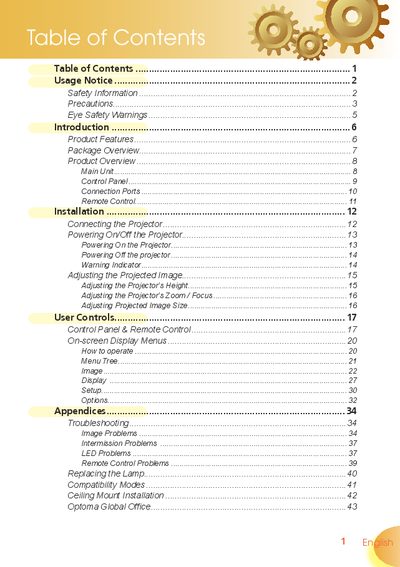
This manual covers safety information, installation procedures, and proper use of the Optoma projector. It includes detailed instructions for connecting power, adjusting image size and focus, using the remote control, and navigating on‑screen menus.
Additional sections explain lamp replacement, ceiling‑mount installation, and troubleshooting common issues such as LED or image problems. Contact information for Optoma service centers worldwide is also provided.
| Resolution | 1280 x 720 (720P) |
|---|---|
| Display Technology | Single 16:9 1280 x 720 Dark Chip2™ DLP® |
| Color Wheel | 7‑segment GRBWGRB cycle |
| HDMI Support | HDMI with HDCP compliance |
| Remote Control | Full‑function IR remote with backlight |
| Keystone Correction | Advanced 2D digital keystone correction |
When the lamp reaches the end of its life, the projector will not turn on until the lamp module has been replaced; follow the steps in the "Replacing the Lamp" section and reset the lamp settings via the on‑screen menu.
Do not expose the projector to rain or moisture, keep ventilation openings clear, avoid placing it near heat sources, and ensure only qualified personnel perform servicing.
Use the ceiling‑mount package, secure the unit with M3 screws 7.5‑10 mm long, keep at least 10 cm clearance below the projector, and avoid nearby heat sources.