
This manual introduces the basic functions and operation methods of Optoma EP747 projector.
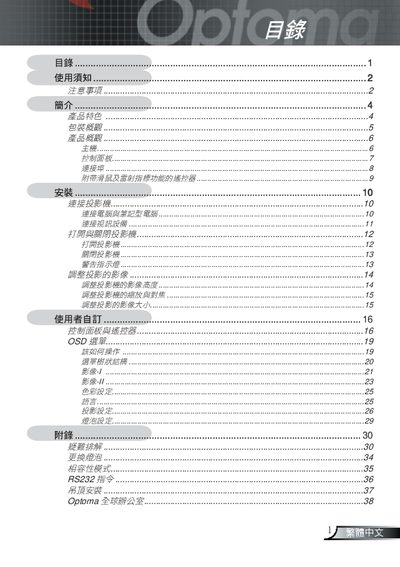
This manual covers essential safety precautions, warnings, and cleaning procedures for the Optoma projector. It explains how to safely operate the device, replace the lamp, and perform routine maintenance.
The guide also details the projector’s features, supported video standards, input connectors, control panel functions, and ceiling‑mount installation requirements, followed by contact information for Optoma service centers worldwide. This manual is written in Chinese.
| Resolution | 1024x768 (XGA) |
|---|---|
| Supported Video Standards | NTSC, NTSC4.43, PAL, PAL‑M, PAL‑N, SECAM, HDTV (480i/p, 576i/p, 720p, 1080p) |
| DVI Support | Supports DVI with HDCP |
After changing the lamp, reset the OSD "short lamp setting" and use the "reset lamp" function as described in the manual.
Use a soft cloth with water and a neutral cleaning solution to clean the projector’s exterior; avoid abrasive cleaners.