
This manual introduces the basic operation of Optoma HD146X home projector, detailed introduction to the projector installation, connection, open/close, adjustment, user control and so on
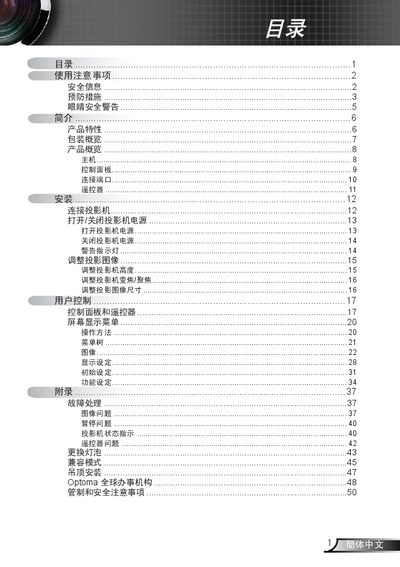
This manual covers the projector’s safety precautions, installation requirements, and basic operation. It explains how to connect power, adjust image settings, use the remote control, and navigate the on‑screen menu.
The guide also details technical features such as 720p DLP resolution, 16:9 aspect ratio, HDMI/Component inputs with HDCP support, and compatibility with both Mac and PC video standards. Instructions for lamp replacement, cleaning, and troubleshooting common image or power issues are included. This manual is written in Chinese.
| HDMI Support | Yes, with HDCP |
|---|---|
| Video Inputs | HDMI and component video |
| Computer Compatibility | Macintosh and PC |
| Supported Video Standards | NTSC, PAL, etc. |
Wait for the projector to cool down, then follow the lamp‑replacement steps shown on pages 43‑44.
Do not expose the projector to rain or moisture, keep all ventilation openings clear, and never open the housing yourself.
No, blocking any ventilation opening can cause overheating and should be avoided.
No, the projector should not be opened or disassembled by users to avoid electric shock.