
This is a projector user manual, which introduces the projector's features and characteristics, installation, operation methods, etc.
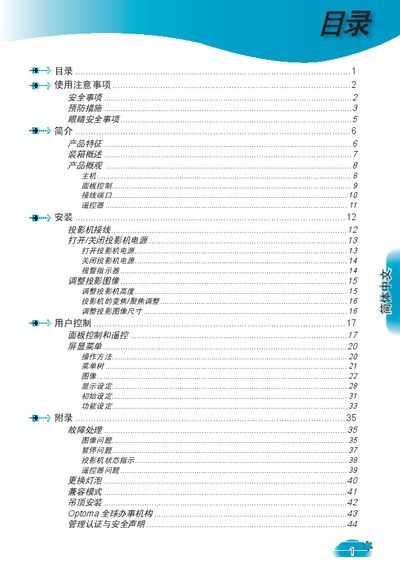
This manual provides safety instructions, operating procedures, and maintenance guidelines for an Optoma projector. It covers proper ventilation, protection from moisture, and cautions against opening the unit without professional assistance.
The document also details lamp replacement steps, cleaning methods, eye‑safety precautions, and the projector’s technical features such as DLP technology, supported resolutions, and input interfaces. This manual is written in Chinese.
| Display Technology | DLP |
|---|---|
| Native Resolution | 1280 × 768 (16:9) |
Follow the lamp‑replacement steps on page 40, wait for the unit to cool, replace the lamp module, and then reset the lamp timer in the menu.
Avoid looking directly at the lens or the light beam, keep the audience out of the beam path, and use a laser pointer or teaching aid to indicate screen locations.