
This document is a user manual for a DVD projector, including product features, installation steps, connection methods, and usage instructions.
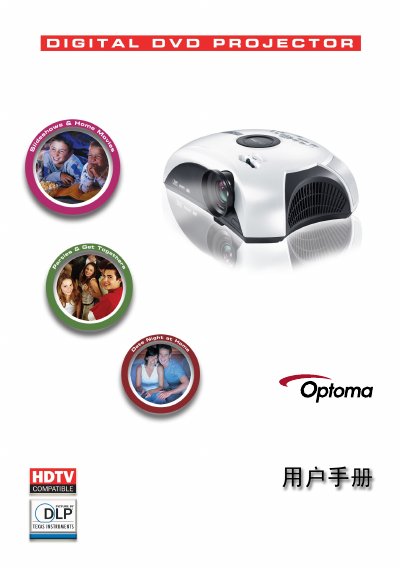
This manual covers all aspects of using the Optoma DVD projector, from safety precautions and eye‑protection advice to detailed descriptions of the product’s features, packaging contents, and hardware layout. It guides users through installation, connecting video and audio sources, and operating the built‑in DVD player and projector functions.
Additional sections explain how to adjust image size, focus, and keystone correction, as well as how to replace the lamp, troubleshoot common issues, and perform ceiling‑mount installation. Contact information for Optoma service centers worldwide is also provided. This manual is written in Chinese.
| Video compatibility | NTSC/PAL/SECAM, 480i/p, 576i/p, 720p, 1080i; S‑Video, Composite, HDMI |
|---|---|
| DVD format support | DVD, DVD‑R, DVD+R, DVD‑RW, DVD+RW, CD‑R, CD‑RW |
| Built‑in speakers | 5 W × 2 stereo speakers |
Allow the projector to cool, then follow the lamp‑replacement steps in the manual, and reset the lamp‑life counter via the screen menu after installing the new lamp.