
This document is the user manual of Optoma projector, which mainly introduces the characteristics of the product, installation instructions, connecting the projector, turning on and off the projector, adjusting the projection image, function description and other contents
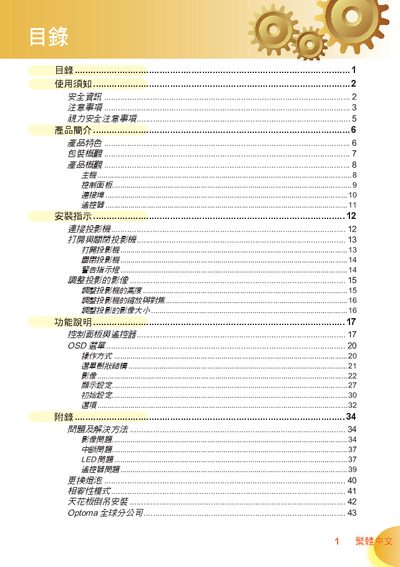
This manual covers all essential information for safely using and maintaining an Optoma projector. It includes safety warnings, proper handling, cleaning instructions, and detailed operating procedures such as power on/off, image adjustment, and remote‑control functions.
Installation guidance is provided for both tabletop and ceiling‑suspended setups, along with connection diagrams for HDMI, VGA, S‑Video, and other ports. The appendix contains lamp‑replacement steps, compatibility mode tables, and contact details for Optoma service centers worldwide. This manual is written in Chinese.
| Resolution | 720p (1280×720) |
|---|---|
| Display Technology | DLP® Dark Chip2TM |
| Color Wheel | 7‑segment GRBWGRB |
| Supported Video Formats | 480i NTSC/NTSC4.43, 576i PAL/PAL‑M/PAL‑N/SECAM |
| HDMI Input | Yes |
| HDCP Compatibility | Supported |