
This manual introduces the features and characteristics of the projector, and introduces how to install, connect, use and maintain the projector.
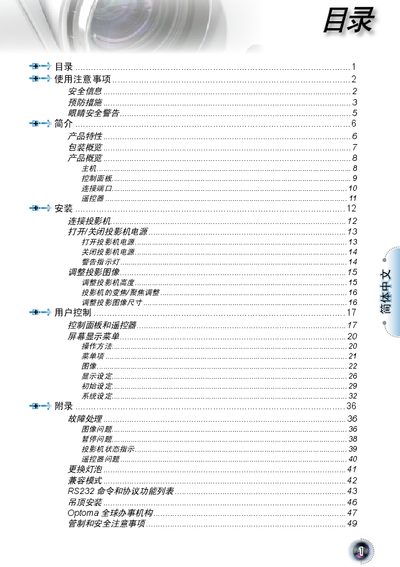
The manual begins with safety information, warning users about high voltage inside the projector, the need for proper ventilation, and precautions against moisture, heat sources and foreign objects. It also outlines proper cleaning, handling of lamp replacement, and the importance of using only authorized accessories.
Subsequent sections describe the projector’s features such as 1080p DLP imaging, 16:9 aspect ratio, 10‑bit video processing, HDMI and DVI connectivity, and the control panel layout. Installation steps, operation tips, and FCC/Canadian compliance details are included, along with disposal instructions for end‑of‑life handling. This manual is written in Chinese.
| Resolution | 1080p |
|---|---|
| Aspect Ratio | 16:9 |
| Video Processing | 10‑bit |
| Color Wheel | 7‑segment |
| HDMI Ports | 2 (HDMI 1.3) |
| DVI Port | 1 |
No, you should never look directly at the projector beam and keep the audience out of the beam’s line.
Replace the lamp module following the steps listed in the manual; the projector will not power on without a functional lamp.