
This document is an instruction manual for a DVD projector, including information on safety precautions, product introduction, installation and setup, user interface, system settings, maintenance and repairs.
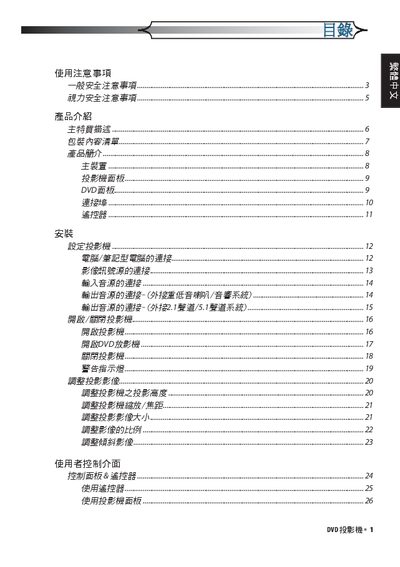
The manual begins with safety precautions, including fire prevention, electrical safety, and proper handling of the lamp. It also describes cleaning methods and environmental restrictions for the projector.
Subsequent sections cover the user interface, installation of cables and power, operation of DVD playback functions, and detailed maintenance procedures such as lamp replacement and troubleshooting. This manual is written in Japanese.
| Resolution | 854 x 480 (16:9 DLP) |
|---|---|
| Lamp Power | 5 W × 2 |
| Supported Media | DVD, DVD‑R, DVD+R, DVD‑RW, DVD+RW, Audio CD, CD‑R, CD‑RW |
Turn off the power and wait at least 30 minutes for cooling, then follow the lamp‑replacement steps outlined in the manual.
Use a soft cloth with a mild cleaning agent; avoid solvents, abrasives, or direct exposure to the lamp.