
This document is the user manual for the Philips DVD video player DVP3110. The manual provides quick tips for using the product and directs users to online support if needed.
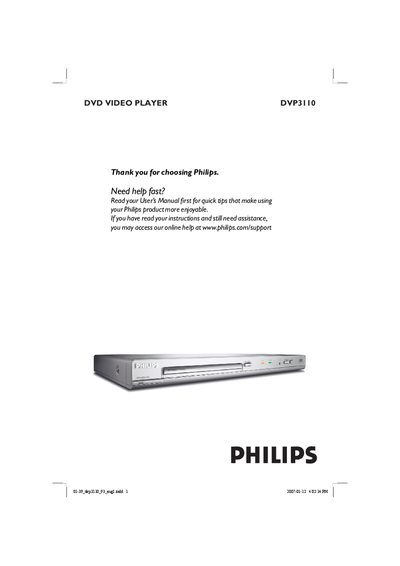
This manual covers everything needed to install and use the Philips DVP3110 DVD Video Player, including safety warnings, recommended placement, and environmental disposal information. It lists the supplied accessories, region codes, and detailed connection diagrams for TV, audio, and digital outputs.
The guide explains remote‑control functions, disc‑cleaning procedures, playback features, special DVD functions, and how to troubleshoot common problems such as no power, picture issues, or region‑code errors. Technical specifications and a glossary of terms are provided at the end.
| TV Standard | PAL/50Hz, NTSC/60Hz |
|---|---|
| Video DAC | 12 bit, 108 MHz |
| Video Output | 1 Vpp ~ 75 Ω |
| Power Consumption | < 10 W |
| Dimensions (W×H×D) | 360 × 37 × 235 mm |
| Weight | Approximately 2 kg |
Use a microfiber cleaning cloth and wipe the disc from the center to the edge in a straight line; do not use solvents or cleaning CDs.
Press the STANDBY‑ON button on the front, verify the AC outlet is live, replace weak remote batteries, and ensure the TV is set to the correct video input.
Connect component video cables (red, blue, green) from the player’s YPbPr jacks to the TV’s component video inputs; a progressive‑scan TV is required.