
This manual describes how to set up and use the DVD/VCR Combo, including connecting to a TV, a stereo system, and a digital AV receiver, and how to play DVD, VCD, SVCD, MP3, JPEG, and Kodak picture discs, as well as how to use system setup menu, language setup menu, audio setup menu, and video setup menu.
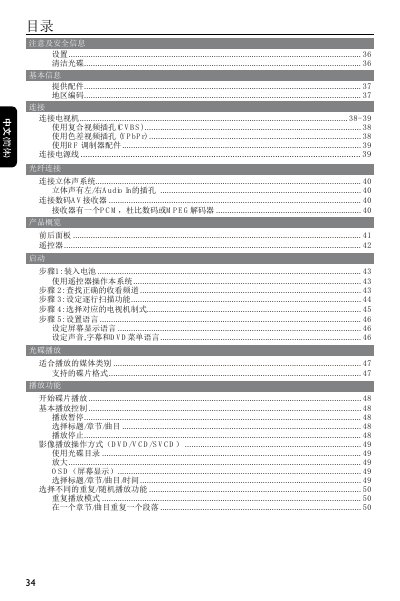
This manual provides step‑by‑step instructions for setting up the Philips 34‑inch television, including basic configuration, picture quality adjustment, and region code selection. It also details the various input and output connectors such as CVBS, YPbPr, RF, HDMI, and audio interfaces.
Additional sections cover DVD playback features, audio output options (PCM, Dolby Digital, etc.), power specifications, and troubleshooting tips for common issues. The document includes safety warnings and regulatory information. This manual is written in Chinese.
| Dimensions (W×H×D) | 360 mm × 235 mm × ?? mm |
|---|---|
| Power Supply | 110‑240 V, 50/60 Hz |
| Video Standards | PAL/50 Hz, NTSC/60 Hz, SECAM |
| Audio Output Levels | >95 dB (1 kHz) |
The TV operates on 110‑240 V AC, 50/60 Hz with a power consumption of less than 10 W.