
This manual is the instruction manual for the H ngsil E DVD player, which mainly introduces the basic functions, connection methods, playback settings and other content of the player for users' reference.
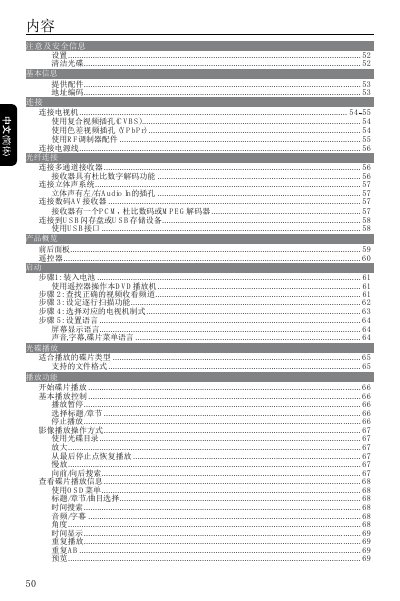
This manual provides step-by-step instructions for setting up and operating the Philips 50HS132 monitor. It details how to connect various input sources like CVBS, YPbPr, and RF, configure audio settings, and use USB for media playback. The guide also covers troubleshooting common issues and adjusting display settings using the on-screen menu. This manual is written in Chinese.
| Input Interfaces | CVBS, YPbPr, RF |
|---|---|
| Video Output | Composite, Component, Coaxial |
Use the CVBS video input on the monitor and connect it to the video output of your source device using a composite video cable.
The USB port supports playback of JPEG, MP3, and WMA files.
FAT16 and FAT32 are supported, but NTFS is not supported.