
This manual explains how to use the VP3126K DVD player. It introduces connecting a TV, setting language, playing discs, etc.
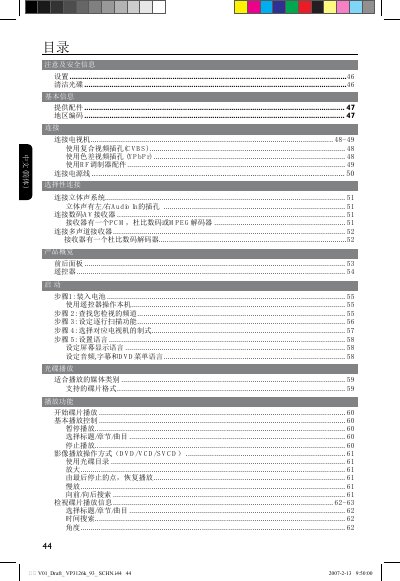
This manual provides safety information, setup steps, and detailed instructions for operating the Philips DVP3126K DVD player. It covers how to connect the unit to a TV, stereo system, or digital AV receiver, and explains region coding, video output options, and remote‑control functions.
The guide also includes a troubleshooting section, product specifications, and instructions for cleaning discs, resetting the unit, and using special DVD features such as multi‑language subtitles and karaoke mode. This manual is written in Chinese.
| Video format | PAL/NTSC |
|---|---|
| Horizontal resolution | 720 pixels |
| Vertical resolution (PAL) | 576 lines |
| Audio format | MPEG/AC3, PCM 16/20/24‑bit |
| Power consumption (operating) | 10 W |
| Power consumption (standby) | <1 W |
| Dimensions (W×H×D) | 360 mm × 38 mm × 209 mm |
| Weight | ≈1.35 kg |
Select the “恢复出厂设置” (Restore factory settings) option in the settings menu.