
This manual introduces how to connect and use DVD-V2050 DVD player. It provides detailed information about product specifications, connections, settings, operation and maintenance.
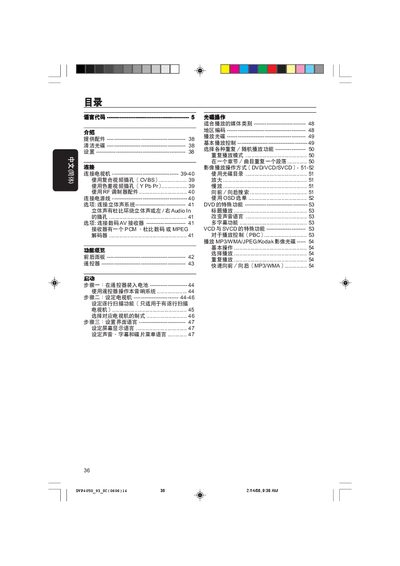
This manual explains how to operate the Philips DP4050 DVD player, covering basic playback controls, DVD and VCD/SVCD settings, and remote‑control functions. It also details audio and video connection options such as CVBS, YPbPr, and coaxial digital audio.
Safety and installation guidelines are included, along with a full specification table and troubleshooting tips to help users resolve common issues. This manual is written in Chinese.
| Dimensions (W × H × D) | 226 × 48 × 209 mm |
|---|---|
| Weight | ≈0.8 kg |
| Audio output format | PCM 16, 20, 24‑bit; Dolby Digital |
| Video output format | YPbPr 0.7 Vpp to 75 Ω |
| Supported media formats | DVD, VCD, SVCD, MP3, WMA, JPEG, Kodak |
| Standby power consumption | <0.8 W |
Press the fast‑forward or fast‑rewind button while a MP3 or WMA file is playing.
The standby mode consumes less than 0.8 W.