
The document provides a detailed description of a product from a certain brand and model, including its features, characteristics, and technical specifications.
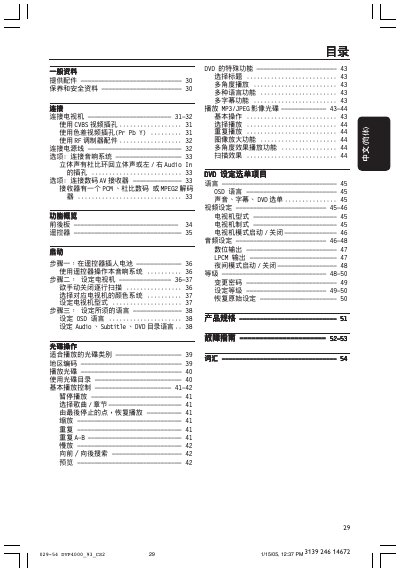
This manual covers all aspects of the Philips DVP4000 DVD player, including safety precautions, required accessories, and detailed descriptions of the front and rear panels. It explains how to connect video and audio sources using CVBS, component, RF, and digital outputs.
The guide also provides step‑by‑step instructions for using features such as multi‑angle playback, subtitle selection, Dolby surround sound, and standby mode, plus a troubleshooting section for common issues. This manual is written in Chinese.
| Video input type | CVBS |
|---|---|
| Component video input | Y Pb Pr (色差视频) |
| Audio output | LPCM, Dolby surround |
| Digital audio output | Coaxial (DIGITAL AUD10 OUT) |
| Power source | AC mains |
| Standby indicator | LED |
Press the RETURN/TITLE button (labelled STANDBY) to enter standby; the STANDBY LED will light.