
This document provides the user guide for DVD Recorder & Hard Disk DVDR520H, including safety instructions, control and display, connections and setup menu.
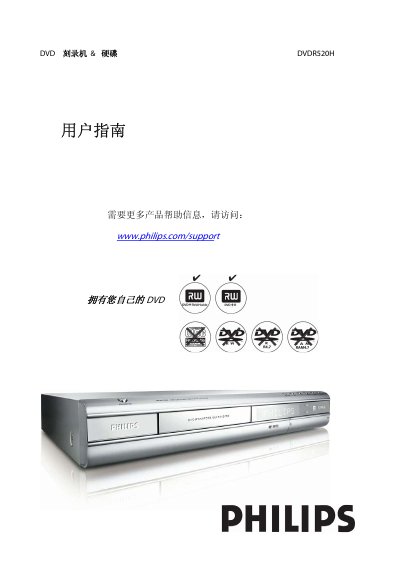
This guide begins with important safety instructions and recommended installation steps, covering power connection, ventilation, handling of accessories, and precautions when cleaning or moving the unit. It also explains how to connect the recorder to a TV, antenna, or external audio devices.
The remainder of the manual details the remote‑control functions, front‑ and rear‑panel connectors, supported disc formats, recording modes, language and subtitle settings, and technical specifications such as power requirements, dimensions, and supported audio/video standards. This manual is written in Chinese.
| Power supply | AC 100~240V 50/60Hz |
|---|---|
| Power consumption | Approx. 50W |
| Operating temperature | +5 °C ~ 40 °C |
| Dimensions (W×H×D) | 430 × 66 × 316 mm |
| Net weight | ≈4.3 kg |
Connect the VIDEO OUT connector on the recorder to the TV's VIDEO INPUT, and use the appropriate audio/video cables for sound.
Unplug the power cord, avoid using liquids or sprays, and clean with a damp cloth only.
Enter the System Menu, select Language, and choose the desired language such as English, Chinese, French, Italian, or Spanish.