
This manual introduces the use of this product, including the connection, watching TV, recording, playback, editing and burning.
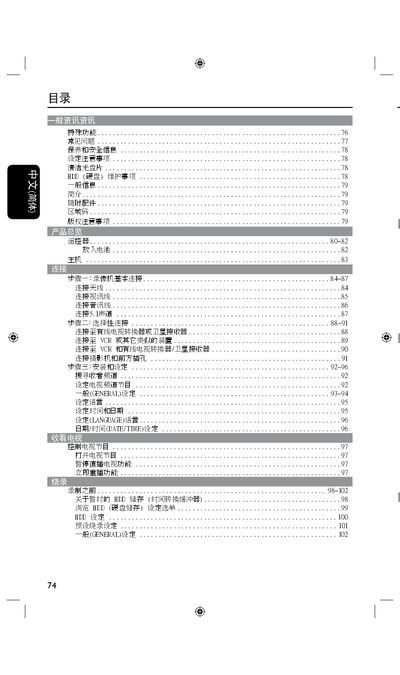
This manual covers safety warnings, proper handling, and environmental requirements for the Philips DVDR3425H DVD player. It explains how to install the unit, connect power and video/audio cables, and configure language and display settings.
The guide details basic operation such as play, pause, stop, and navigation of titles and chapters, as well as advanced functions like immediate replay, DVD recording, and audio channel selection. Panel symbols, indicator lights, and technical specifications are also listed. This manual is written in Chinese.
| Dimensions | 430 x 57 x 340 mm |
|---|---|
| Weight | 4.4 kg |
| DVD‑R Capacity | 4.7 GB |
| Supported DVD Formats | DVD‑R, DVD‑RW, DVD‑R/+RW |
The player supports DVD‑R, DVD‑RW and DVD‑R/+RW discs.
Standby mode turns off the display and reduces power consumption while keeping the device ready for quick start.
The internal HDD can store up to 250–400 hours of video depending on the model.