
This manual introduces how to use the audio system. The content includes product introduction, connection method, function overview, start-up method, disc operation, etc.
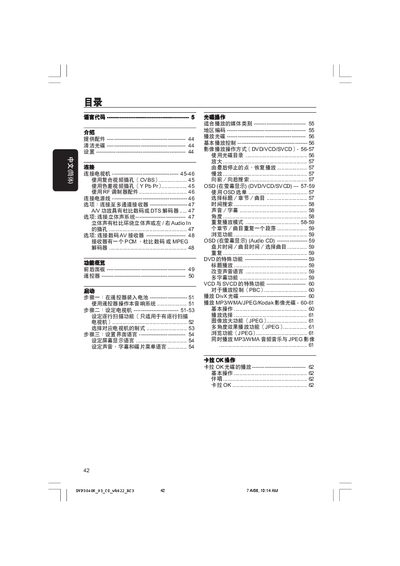
This manual guides users through unpacking, cleaning discs, and initial setup of the Philips DVP3040K DVD player. It details how to connect the unit to a TV via composite, component, or RF connections and explains audio‑video settings, remote‑control operation, and menu navigation.
A comprehensive troubleshooting section helps diagnose common issues such as no power, picture problems, or audio errors, and includes safety warnings and service‑support contact information. This manual is written in Chinese.
| Video format | PAL/50Hz, NTSC/60Hz |
|---|---|
| Video DAC | 12‑bit, 108 MHz |
| Y Pb Pr output voltage | 0.7 Vpp into 75 Ω |
| Video output voltage | 1 Vpp into 75 Ω |
| Horizontal resolution (PAL) | 720 pixels |
| Vertical resolution (PAL) | 576 lines |
| Audio formats | MPEG/AC‑3, Dolby Digital, PCM 16/20/24‑bit |
| Audio sample rates | 44.1 kHz, 48 kHz, 96 kHz |
| Power supply | 110‑240 V, 50/60 Hz |
| Power consumption (operating) | 10 W |
| Power consumption (standby) | < 0.8 W |
| Dimensions (W × H × D) | 360 mm × 37 mm × 235 mm |
| Weight | ≈ 2.0 kg |
Unplug the power cord, wait 5–10 seconds, then plug it back in to fully reset the unit.