
This manual describes the basic operations and precautions for the DCR-PC103E/PC104E/PC105E digital video camera.
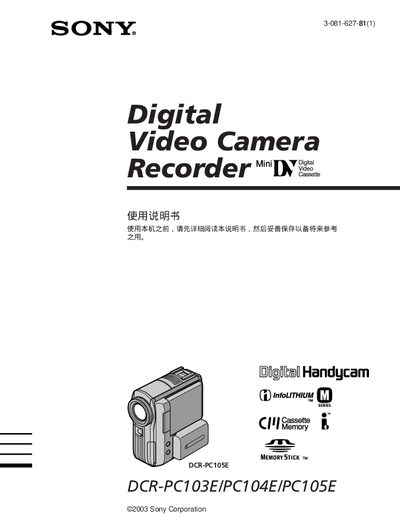
This Sony Handycam manual provides step‑by‑step instructions for using the DCR‑PC103E, DCR‑PC104E and DCR‑PC105E camcorders. It includes safety warnings, accessory checklists, basic and advanced shooting techniques, playback, editing, and maintenance procedures.
The guide also details supported media (Memory Stick), battery type (NP‑FM30 rechargeable), power adapters (AC‑L15A/L15B), and USB connectivity for transferring video to computers. Technical specifications are listed in the final section. This manual is written in Chinese.
| Supported storage media | Memory Stick |
|---|---|
| Battery type | NP‑FM30 rechargeable battery |
| Power adapter | AC‑L15A/L15B AC adapter |
| USB connectivity | USB cable for video transfer |
Select the Memory Stick as the recording medium and use the menu to start recording; the manual shows the steps for recording both still images and video on a Memory Stick.
The camcorder uses the NP‑FM30 rechargeable battery, which is listed in the accessories section.
Yes, a USB cable can be used to view and transfer recorded video and images to a computer.