
This is a user manual for a digital camera. It introduces the main features and usage of the camera.
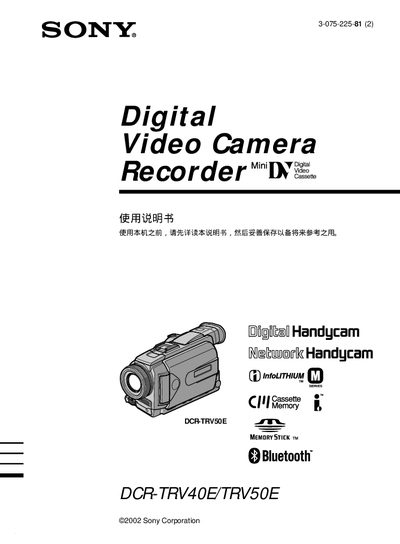
This manual explains how to operate the Sony DCR-TRV40E/TRV50E camcorder, covering basic functions such as recording video and audio, using the Memory Stick for storage, and accessing advanced features like digital zoom, Bluetooth, and USB connectivity. Safety precautions are included to prevent fire hazards and moisture damage.
The guide also details quick‑start procedures, installation of accessories, battery and power requirements, and step‑by‑step troubleshooting for common issues. Compatibility information for Windows and Macintosh computers is provided for transferring recorded media. This manual is written in Japanese.
| Digital Zoom | up to 10× |
|---|---|
| Storage Media | Memory Stick |
| Bluetooth | Supported |
| Power Input | DC IN |
Connect the camcorder to the computer via the USB port and access the files stored on the Memory Stick.
Keep the camcorder away from fire, rain, or moisture and do not expose it to extreme conditions.