
This document is a camera operation guide, which provides instructions and precautions for the operation of a mini digital video recorder. It includes measures to prevent fires and electric shocks, precautions for using MICROMV tape, precautions for using Memory Stick, precautions for shooting, LCD screen and lens, and precautions for connecting other devices.
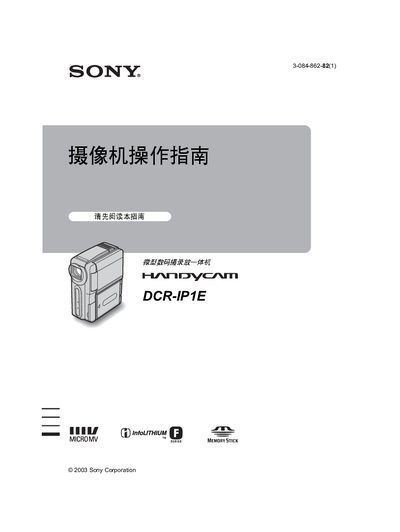
This manual covers the basic operation of the Sony DCR‑IP1E camcorder, including power on/off, recording, playback, and menu navigation. It also contains safety warnings, battery handling, and troubleshooting tips.
The guide explains supported media such as Memory Stick Duo and micro‑cassette, details the LCD display functions, and provides step‑by‑step instructions for using the Handycam Station accessory and adjusting date/time settings. This manual is written in Japanese.
| Recording format | MPEG |
|---|---|
| Supported memory media | Memory Stick Duo, micro Cassette Memory |
| Video system | NTSC and PAL |
Insert the battery into the camcorder and connect the charger; the charging indicator will light up as shown in the manual.
The camcorder supports Memory Stick Duo cards and micro‑cassette memory tapes for recording and playback.
Select the desired playback mode using the playback menu; the camcorder can play files stored on Memory Stick Duo in various modes.