
This manual describes how to use the DCR-TRV12E/TRV14E/TRV19E/TRV22E/TRV33E digital video camera recorder.
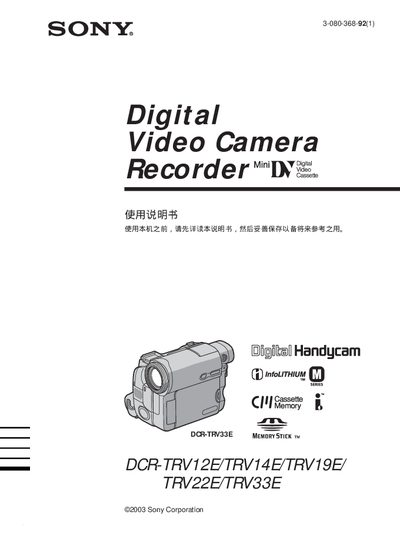
This manual provides detailed instructions for using the Sony DCR-TRV33E Handycam, covering basic operation, playback, and advanced features such as Memory Stick recording and USB transfer. It also includes safety warnings, quick‑start steps, and a comprehensive index for easy navigation.
The guide explains how to record video and still images, manage storage media, and connect the camcorder to a computer via USB. Troubleshooting tips and service information are provided to help resolve common issues. This manual is written in Japanese.
| Supported storage media | Memory Stick |
|---|---|
| Video playback format | MPEG MOVIE |
Press the still‑image button while recording to save a photo to the Memory Stick.