
This document is a user manual for the Sony DCR-TRV75E/TRV80E digital video camera. The camera features functions such as capturing animations and still images, playing video tapes, recording and viewing still images and animations on a Memory Stick. It also includes features for connecting to networks and using BIP. The document also introduces other applications and features of the camera, such as adjusting exposure, enhancing image effects, and achieving natural-looking images.
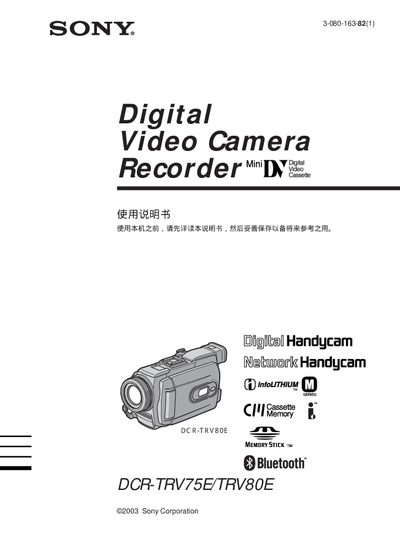
This manual explains how to operate the Sony DCR-TRV75E/TRV80E Handycam, covering basic functions such as recording, playback, and using accessories like the Memory Stick and Bluetooth remote. It includes safety warnings, battery installation, and quick‑start steps to help users start filming quickly.
Later sections detail advanced features such as digital zoom, program AE modes, and USB streaming for Windows and Macintosh, as well as a troubleshooting guide and specifications of the camcorder’s capabilities. This manual is written in Japanese.
| Digital zoom | up to 10× |
|---|---|
| Bluetooth connectivity | Supported |
| USB streaming | Windows compatible |
Use the delete function (DELETE) as described in the manual.
Yes, the camcorder supports Bluetooth accessories for remote control and image transport.